Mechanical vs Membrane Keyboards: Is the Upgrade Worth It?
Mechanical keyboards cost more and make more noise. Whether they are worth it depends on how much you type, where you work and how much you like tinkering.
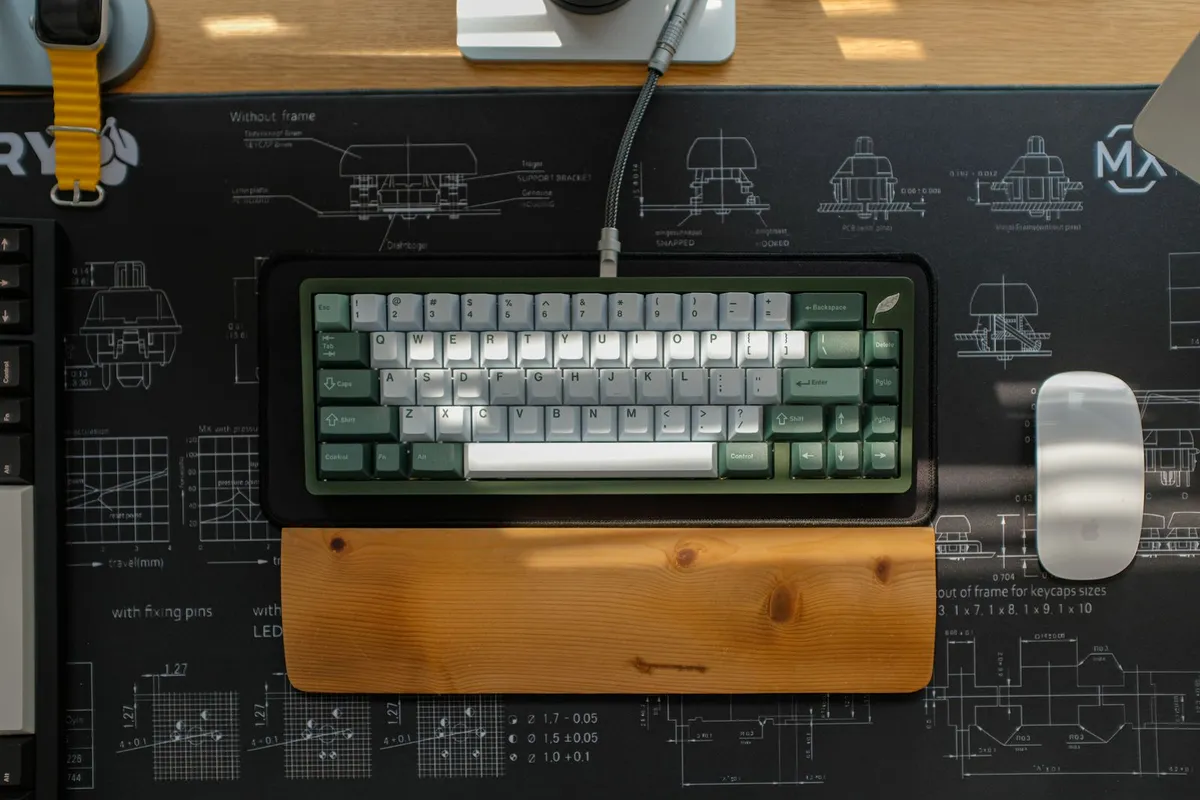
The keyboard that came free with your computer is almost certainly a membrane keyboard. Mechanical keyboards are the enthusiast alternative, and they cost noticeably more. Here is a plain comparison to help you decide whether the extra money is worth it for you.
What is actually different
A membrane keyboard has a rubber dome under each key. When you press, the dome collapses and completes a circuit through layers of thin plastic. A mechanical keyboard places a separate spring-loaded switch under every key. Each key is its own small mechanism, which is why they are heavier, taller and more expensive to build.

Typing feel
Membrane keys feel soft and slightly mushy, and you often have to press down to the bottom for the key to register. Mechanical switches come in three broad families:
- Linear: smooth and even from top to bottom, popular for gaming.
- Tactile: a small bump tells you the key has registered, popular for typing.
- Clicky: a bump plus an audible click.
Because you can choose the feel you like, mechanical keyboards suit people who type for hours and care about comfort.
Noise
Membrane keyboards are quieter by nature. Mechanical keyboards range from fairly quiet to loud, and clicky switches in particular can annoy people in an open office or a shared room. Quieter linear or tactile switches, and sound-dampening foam in some models, narrow the gap, but a quiet membrane board is still the safe choice for shared spaces.
Durability and repair
Switch makers commonly rate their mechanical switches for tens of millions of key presses, and many boards let you replace a single switch or keycap if one fails. Membrane keyboards are usually replaced whole when they wear out or a spill gets in. Check the manufacturer's own rating rather than assuming, since quality varies between brands.
Customisation
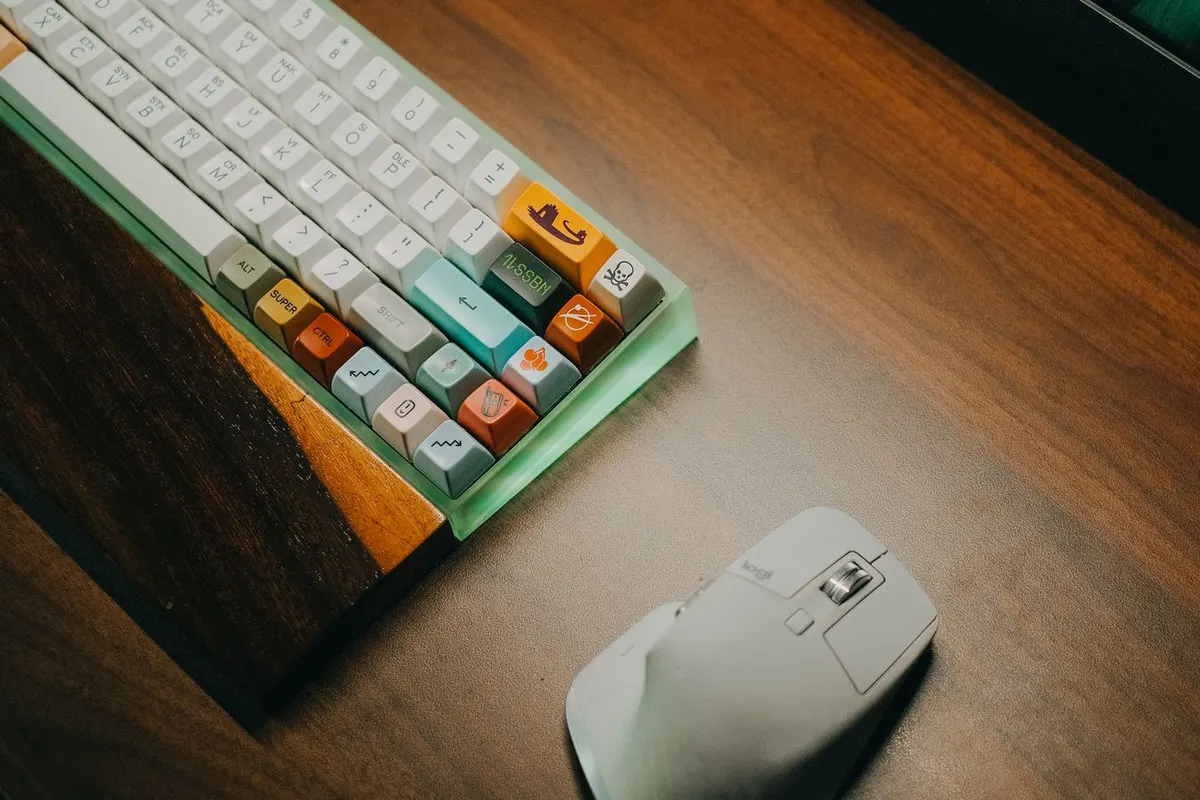
This is a big reason enthusiasts love mechanical boards. Many accept standard keycaps, and some have hot-swap sockets that let you change switches without soldering. If you enjoy personalising your setup, mechanical gives you far more to play with. If you do not, you can ignore all of it.
Price
Membrane keyboards cost a fraction of a typical mechanical one, and a decent one lasts years for office work. Mechanical boards start at a modest price and climb steeply with features like wireless, hot-swap sockets and premium materials. You do not need the expensive end to enjoy the benefits.
Who should buy which
- Heavy typists, writers and programmers: mechanical, ideally a tactile or quiet linear switch.
- Gamers: mechanical, with linear switches and a layout size that leaves room for the mouse.
- Shared offices, late-night work, light use: a good membrane keyboard is perfectly fine.
- Tight budgets: membrane, and spend the savings elsewhere.
What to look for when shopping
- Layout size: full-size, tenkeyless or compact, depending on desk space and whether you need a number pad.
- Switch type, and whether a switch tester or a return window lets you try before committing.
- Connection: wired for lowest latency, wireless for a tidier desk.
- Keycap material and legend printing, which affects how long the labels stay readable.
The bottom line
If you type or game for hours a day, a mechanical keyboard is one of the most noticeable comfort upgrades you can make. If you type occasionally or share a space, a membrane keyboard does the job and costs far less.
This comparison is based on how the two designs work and on manufacturer specifications, not on hands-on testing of a specific model. See our affiliate disclosure for how we earn money from links.